> For the complete documentation index, see [llms.txt](https://video-copilot.gitbook.io/element2/llms.txt). Markdown versions of documentation pages are available by appending `.md` to page URLs; this page is available as [Markdown](https://video-copilot.gitbook.io/element2/texturing-and-materials/opacity-maps.md).
# Opacity Maps
Opacity Maps are not fully supported for use with Element. If the Diffuse map does have some transparency to it, you can adjust it with the the Alpha Threshold to be either completely transparent or completely opaque.
## WORK AROUNDS FOR OPACITY MAPS
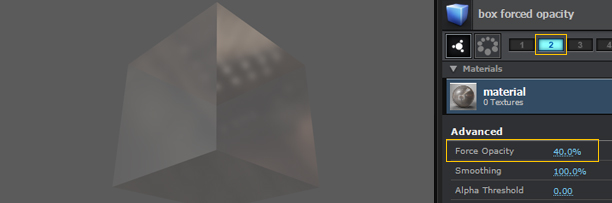
Semi Transparent opacity Alpha Threshold is not supported, however you may be able to fake it in different ways. One would be to duplicate your object and material, delete the diffuse texture out of the slot, and lower the Force Opacity to an amount as well as adjusting the reflection parameters, then put it on a different group.\
\
Group 1: Alpha Threshold
Group 2: Forced Opacity
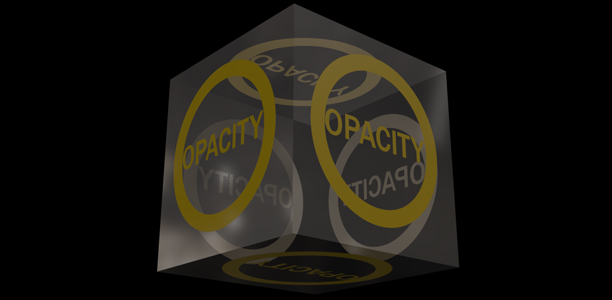
After Effects: Both combined on top of each other.
{% hint style="info" %}
#### MORE CONTROL
If you want more control of color correction or other things, you could use a similiar technique by doing the above but, making each object have it's own Element layer.
{% endhint %}